A simple picoCTF web challenge where the website trusted a browser cookie a little too much.
Today marks the start of the web category.
We are starting with Power Cookie from picoCTF, or CyLab if we want to sound like we read the official branding properly.
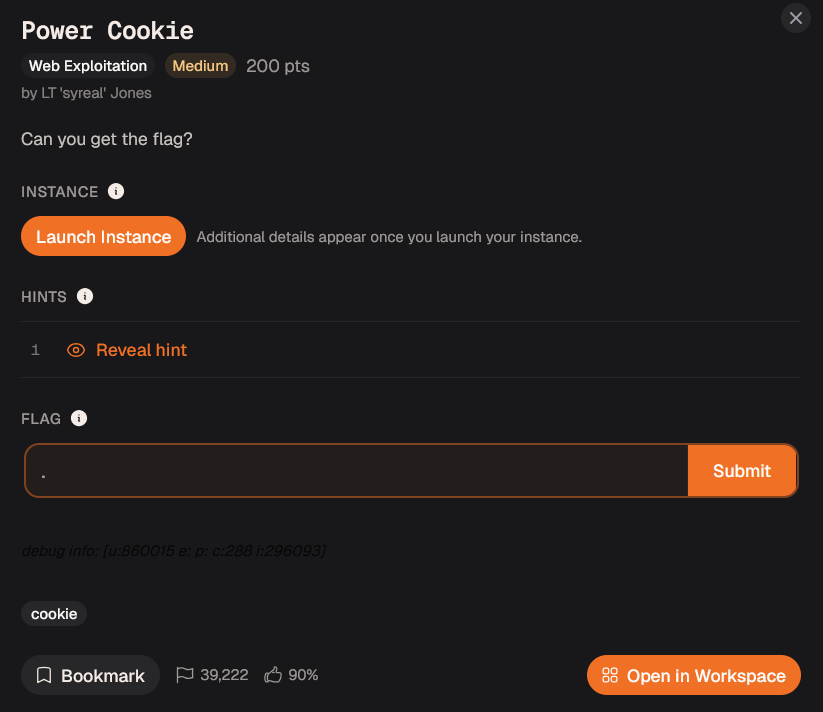
The challenge did not give much explanation.
It simply asked me to launch an instance and visit the website.
So I launched it.
No dramatic lore.
No suspicious company email.
No haunted ZIP file.
Just a website and a cookie waiting to make bad decisions.
Opening the Website
After opening the instance, I landed on this page:
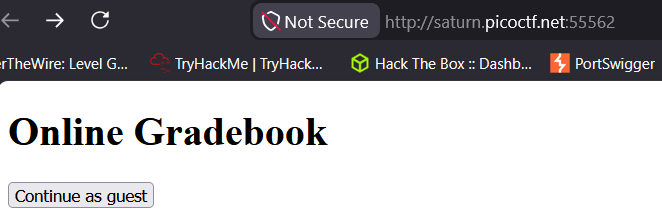
There was a button that said:
Continue as guest
So I clicked it.
That took me to:
check.php
And the page showed this message:
We apologize, but we have no guest services at the moment.
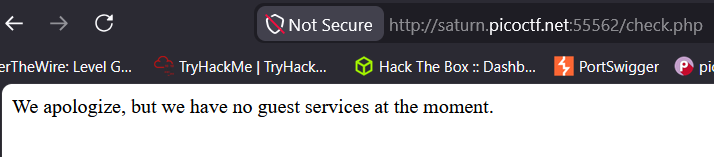
At first, this looks like a normal message.
But it raises one very important question:
How did the website know I was a guest?
The challenge is called Power Cookie, so the answer was probably not hiding in a 500-line JavaScript file or a secret admin portal guarded by dragons.
It was probably in the cookies.
Understanding the Cookie Idea
Before changing anything, I wanted to understand why cookies matter here.
HTTP is stateless.
That basically means every request is treated like a fresh request. The server does not automatically remember what happened before.
So if there were no cookies or sessions, a website would have a hard time remembering things like:
Who is logged in?
What account is this?
What settings did the user choose?
Is this user a guest or an admin?
That is where cookies come in.
A cookie is a small piece of data stored in the browser. When the browser sends another request to the same website, it automatically sends the cookie along with it.
So cookies help websites keep track of state between requests.
For normal websites, cookies can be used for things like login sessions, themes, preferences, shopping carts, or remembering that you already clicked something.
But in web security, cookies become interesting because they sometimes contain important values, such as:
session tokens
user IDs
role values
admin flags
encoded data
And that is where things can go wrong.
The browser belongs to the user.
So if a website stores something sensitive in a cookie and blindly trusts it, the user may be able to edit that value.
In this challenge, the website was basically asking my browser:
“Are you admin?”
And the browser had a cookie that answered:
isAdmin=0
So my next question became obvious:
What happens if I change that 0 to 1?
Checking Cookies in Firefox
I used Firefox for this because Firefox Developer Tools are very comfortable for CTFs.
To check the cookies, I opened Developer Tools:
Right-click → Inspect → Storage
Then I checked the cookies for the website.
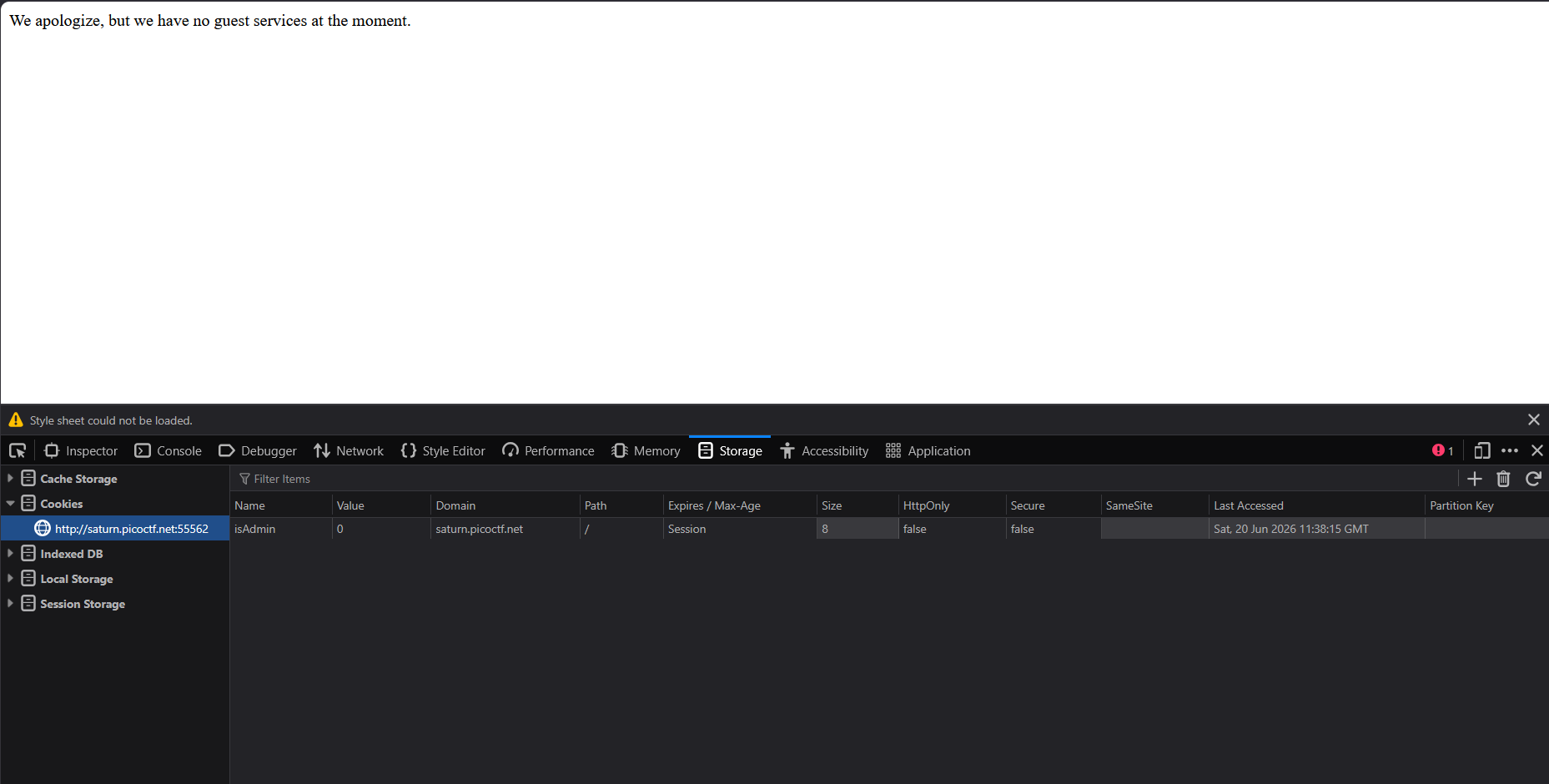
There was a cookie named:
isAdmin
Its value was:
0
That was the entire clue.
The website appeared to be using the cookie value to decide whether the user was an admin.
So the logic probably looked something like this:
isAdmin=0 → guest
isAdmin=1 → admin
That means the website was trusting a value stored in my own browser.
This is like asking someone at the door:
“Are you staff?”
And they say:
“Wait, let me edit my badge real quick.”
Changing the Cookie
Since the cookie value was set to:
0
I changed it to:
1
Then I refreshed the page.

And the flag appeared.
That was it.
No password.
No SQL injection.
No JavaScript wizardry.
Just changing:
isAdmin=0
to:
isAdmin=1
The website saw the cookie and basically said:
“Seems legit. Welcome, boss.”
Flag
picoCTF{gr4d3_A_c00k13_5d2505be}
What Went Wrong?
The issue here was not that the website used cookies.
Cookies are normal.
The issue was that the website trusted a user-controlled cookie for authorization.
Authorization means deciding what a user is allowed to access.
That decision should be verified safely on the server side.
If the server simply trusts:
isAdmin=1
from the browser, then anyone can open Developer Tools, change the value, and become admin.
A safer approach would be to store the real session and permission information on the server, then use the cookie only as a session reference.
The browser should not get to decide whether the user is admin.
The browser is the client.
And as this challenge politely demonstrated, the client lies.
Final Answer
picoCTF{gr4d3_A_c00k13_5d2505be}
Closing Thoughts
Power Cookie was short, but the lesson was clean.
The website did not need to be broken with a complex exploit.
It was already trusting the wrong thing.
The whole challenge felt like changing my own wristband from “Guest” to “VIP” and watching security open the velvet rope.
That is the core lesson:
Never let the client grade its own permission slip.
Cookies can store data.
They should not be the final authority on who gets admin access.